
Support

Downloads / Documentation / FAQs and more

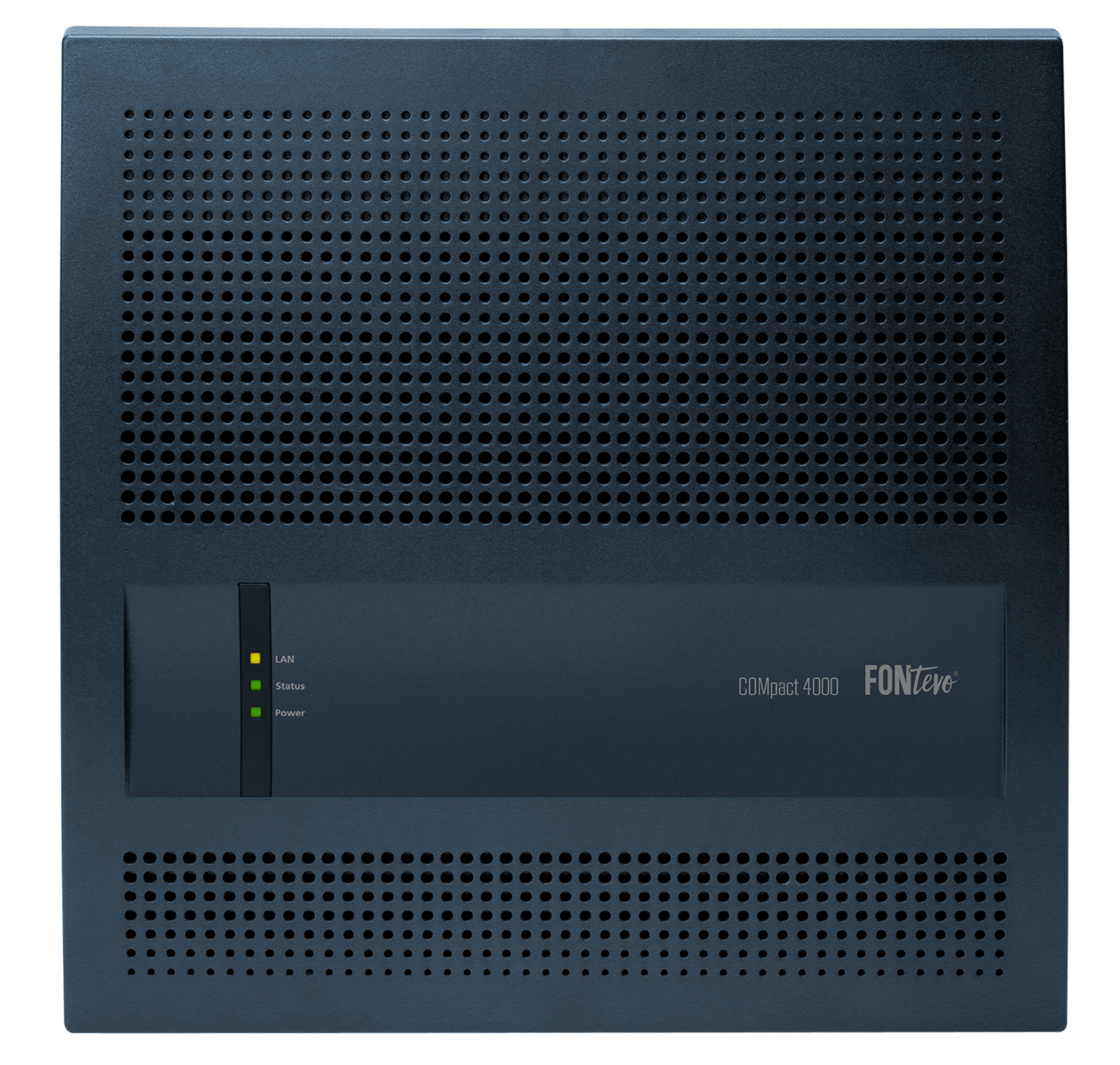
COMpact 4000

The COMpact 4000 is an easy to use, simple to set up and seamlessley manages your full network integration giving your business the comfort and confidence that your telecommunications are in safe hands.

Downloads

Designation
Operating system

V8.9.1.11158 (Stable) | 13.01.2026
Windows Server 2016
Windows Server 2019
Windows Server 2022
Windows 11
macOS 14 "Sonoma"
macOS 13 "Ventura"
Windows 10 (ab Version 1903)
macOS 26 "Tahoe"
Windows Server 2025
macOS 15 "Sequoia"
2025.11.11 (Stable) | 29.01.2026
Google Android
Apple iOS
1.4.0 (Stable) | 30.10.2025
Google Android
Windows
Apple iOS
macOS
8.6C Build 000 (Stable) | 10.02.2025
V 2.4.2.43 (Stable) | 17.12.2025
Windows Server 2019
Windows 10 32-/64-Bit
Windows 8.1 32-/64-Bit (Windows RT is not supported)
Windows Server 2016
Windows 11
Windows Server 2022
V1.4.4.3 (Stable) | 25.07.2023
Windows 10 32-/64-Bit
Windows 7 32-/64-Bit SP1
Windows 8.1 32-/64-Bit (Windows RT is not supported)
Windows Server 2008 R2
Windows 2012 Server
Windows Server 2016
Windows 2012 Server R1
Windows 11
Windows Server 2022
Windows Server 2012 R2
V2.7.10 Beta (Public Beta) | 17.01.2018
Linux (ab Kernel 2.6 getestet)
OS X El Capitan (10.11)
Windows 10 32-/64-Bit
Windows 7 32-/64-Bit SP1
Windows 8.1 32-/64-Bit (Windows RT is not supported)
Windows Server 2008 R2
Windows 2012 Server
Windows Server 2016
Windows 11 (64-Bit)
Windows 2012 Server R1
20170608 (Stable) | 07.06.2017
V 1.2.0.5 (Stable) | 09.07.2015
Windows 7 32-/64-Bit SP1
Windows 10 32-/64-Bit
Windows 8.1 32-/64-Bit (Windows RT is not supported)
Show less Show more

Documentations

LanguagesCurrent version
Instructions V08 01/2026 PDF
Privacy Policy V05 12/2025 PDF
Advanced Information V24 11/2024 Online PDF
V24 11/2024 Online PDF
Statements of conformity V05 10/2022 PDF
COMmander/COMpact PBX as a/b gateway V02 11/2022 PDF
V02 11/2022 PDF
V02 11/2022 PDF
Advisory ID: Auerswald-PBX-Systems-Webinterface-20210910 V1.0 PDF
Drilling Template 04 02/2017 PDF
Automatic exchange line request and the fax printer driver 0816 PDF
0816 PDF

Instructions

V08 01/2026

General Information

Instructions for COMpact 4000 from firmware version 8.4


Changed descriptions

Several editiorial changes

V07 08/2023

General Information

Instructions for COMpact 4000 from firmware version 8.4


Changed descriptions

Important Information

Declaration of conformity: manufacturer and website added

Installation

Internet and VoIP Terminals as well as PC at the Ethernet Port

Updated list of Connection possibilities: IP-DECT server, Standard VoIP telephones

Several editiorial changes


Advanced Information

General Information

Help/Instructions for COMpact 4000 as of firmware version 8.6B


New descriptions

The current Version 8.6

Information on the new firmware version


Changed descriptions

COMfortel SoftPhone 2

New option.

Provisioning files for D-Series and WS-Series

New option.

Configurable exchange line replacement tone

New option.

Registration address proxy server for COMfortel SoftPhones

New option.

NAT traversal

New additional settings.

Synchronisation with a Google account

Improved security.

Public holidays during configuration switchover

Note added.

Macro speed dial number with suffix

Note added.

COMfortel WS-IP handsets for address books/contact group authorisations

Note added.


Several corrections


Statements of conformity

Standards:
- EN 55032:2015/A11:2020 replaces EN 55032:2015
- EN55035:2017/A11:2020 replaces EN 55024:2010


COMmander/COMpact PBX as a/b gateway

General information

Instructions for COMmander/COMpact PBXs as a/b gateway on a COMtrexx


Changed descriptions

Overview of Functions

Information on the firmware version added.

Configuration of Subscribers

Information on the setting of exchange line authorisation added.

Privacy Policy

For the following products:

  • COMmander 6000/R/RX
  • COMpact 4000
  • COMpact 5000/R
  • COMpact COMpact 5200/5200R/5500R

Language:

  • German
  • English
  • French

FAQs

Due to the increased volume of telephone traffic, the transfer points of VoIP providers may reach their capacity limits. A solution is sought by the providers through load balancing. The load distribution is done with a DNS SRV query. The DNS SRV is used to enable the provider to notify the registrars prioritised by him. The DNS resolution must be carried out by the provider. For this purpose, the router must use the DNS servers of the provider.

Early generations of hybrid telephone systems:

  • COMpact 3000 analog, ISDN und VoIP
  • COMpact 5010/5020 VoIP
  • COMpact 5000 (R)
  • COMmander Basic.2 / Basic.2 19“
  • COMmander Business / Business 19“
  • COMmander 6000 (R) (RX)

These systems do not support the dynamic procedure and can therefore no longer be operated on the respective VoIP account after platform changeover. In these cases, the ICT system must be replaced by a compatible system.


Current ICT systems:

  • COMpact 4000
  • COMpact 5200 (R)
  • COMpact 5500R
  • COMtrexx alle Varianten

Note the following points in the configuration:

  • Configure the corresponding provider under Public networks, VoIP, Provider. The default value 5060 must be set as the registrar port and for the outbound proxy. The current templates are already preset for this.
  • Under Administration, IP configuration, the IP of the router or gateway must be entered in the 1st DNS server field.


Videos

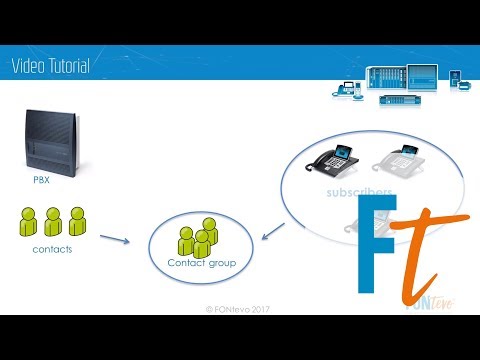
Global address book & contact groups

Global address book & contact groups

Provisioning of other manufacturer´s IP phones via PBX

Welcome to our video tutorial. In this video we show you how IP phones from other manufacturer´s for example snom and…

Firmware Version 7.4 More competence in VoIP

Stay flexible and rely on solutions that adapt to your requirements! Whether you opt for a pure VoIP appliance for your…

Call distribution with groups

Call distribution with groups