Soutien

Téléchargements / Documentation / FAQ et plus

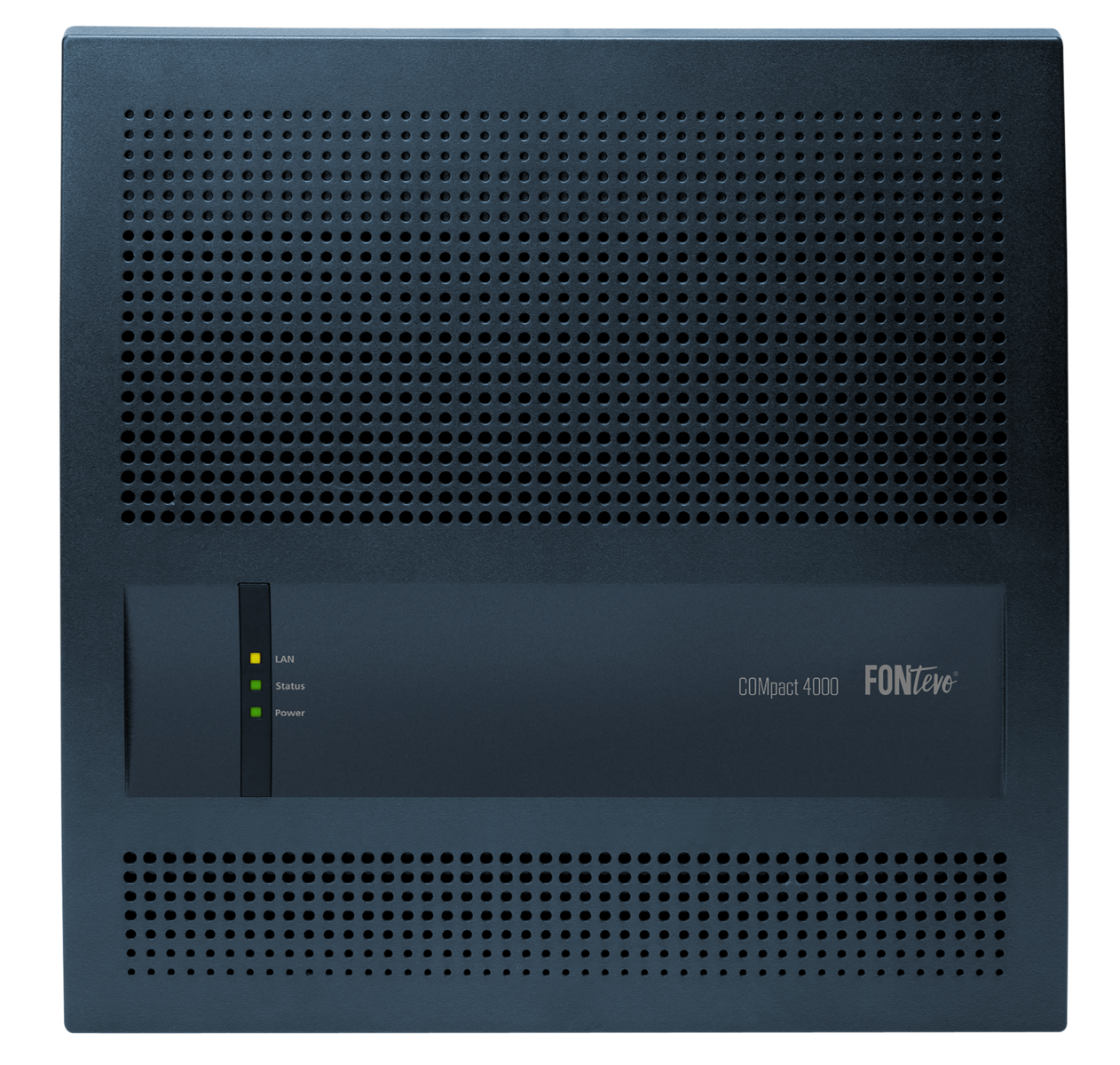
COMpact 4000

Auerswald\AuerPimcore\Domain\Model\Highlight:113168

Téléchargements

Désignation
Système d'exploitation

V8.11.0.12763 (Stable) | 27.10.2026
Windows Server 2016
Windows Server 2019
Windows Server 2022
Windows 11
macOS 14 "Sonoma"
macOS 13 "Ventura"
Windows 10 (ab Version 1903)
Windows Server 2025
macOS 26 "Tahoe"
macOS 15 "Sequoia"
2026.05.20 (Stable) | 24.06.2026
Google Android
Apple iOS
1.6.2 (Stable) | 02.11.2026
Google Android
Linux
Windows
Apple iOS
macOS
V 2.4.2.43 (Stable) | 17.12.2025
Windows Server 2019
Windows 10 32-/64-Bit
Windows 8.1 32-/64-Bit (Windows RT is not supported)
Windows Server 2016
Windows 11
Windows Server 2022
V1.4.4.3 (Stable) | 25.07.2023
Windows 10 32-/64-Bit
Windows 7 32-/64-Bit SP1
Windows 8.1 32-/64-Bit (Windows RT is not supported)
Windows Server 2008 R2
Windows 2012 Server
Windows Server 2016
Windows 2012 Server R1
Windows 11
Windows Server 2022
Windows Server 2012 R2
8.6D Build 000 (Stable) | 04.06.2026
V2.7.10 Beta (Public Beta) | 17.01.2018
Linux (ab Kernel 2.6 getestet)
OS X El Capitan (10.11)
Windows 10 32-/64-Bit
Windows 7 32-/64-Bit SP1
Windows 8.1 32-/64-Bit (Windows RT is not supported)
Windows Server 2008 R2
Windows 2012 Server
Windows Server 2016
Windows 11 (64-Bit)
Windows 2012 Server R1
V 1.2.0.5 (Stable) | 09.07.2015
Windows 7 32-/64-Bit SP1
Windows 10 32-/64-Bit
Windows 8.1 32-/64-Bit (Windows RT is not supported)
Afficher moins Afficher plus

Documentations

LanguesVersion actuelle
Advanced Information for User Interfaces French V25 04/2026 Online PDF
V25 04/2026 Online PDF
Déclaration de protection des données V05 12/2025 PDF
Notice d’utilisation V08 01/2026 PDF
Advisory ID: Auerswald-PBX-Systems-Webinterface-20210910 V1.0 PDF
Déclaration de conformité V05 10/2022 PDF
Système COMmander/COMpact comme passerelle a/b V02 11/2022 PDF
V02 11/2022 PDF
V02 11/2022 PDF
04 02/2017 PDF
Automatic exchange line request and the fax printer driver 0816 PDF
Anlagenweite, automatische Amtholung und der Fax-Druckertreiber 0816 PDF

Advanced Information for User Interfaces French

V25 04/2026

General Information

Help/Instructions for COMmander/COMpact as of firmware version 8.6


Changed descriptions

COMfortel SoftPhone 2 (only COMpact 4000/5200/5200R/5500R)

Updated information, discontinuation of COMfortel SoftPhone (first-generation).

Firewall releases

Updated/extended addresses.

V24 11/2024


Several corrections and editiorial changes

General Information

Help/Instructions for COMmander 6000R/RX as of firmware version 8.6B


New descriptions

The current Version 8.6

Information on the new firmware version


Changed descriptions

Provisioning files for D-Series and WS-Series

New option.

Configurable exchange line replacement tone

New option.

NAT traversal

New additional settings.

Synchronisation with a Google account

Improved security.

Public holidays during configuration switchover

Note added.

Macro speed dial number with suffix

Note added.

COMfortel WS-IP handsets for address books/contact group authorisations

Note added.


Several corrections


Notice d’utilisation

V08 01/2026

General Information

Instructions for COMpact 4000 from firmware version 8.4


Changed descriptions

Several editiorial changes

V07 08/2023

General Information

Instructions for COMpact 4000 from firmware version 8.4


Changed descriptions

Important Information

Declaration of conformity: manufacturer and website added

Installation

Internet and VoIP Terminals as well as PC at the Ethernet Port

Updated list of Connection possibilities: IP-DECT server, Standard VoIP telephones

Several editiorial changes


Déclaration de conformité

Normes en vigueur :
- EN 55032:2015/A11:2020 remplace EN 55032:2015
- EN55035:2017/A11:2020 remplace EN 55024:2010


Système COMmander/COMpact comme passerelle a/b

Informations générales

Notice pour système COMmander/COMpact comme passerelle a/b sur COMtrexx


Descriptions modifiées

Synthèse des fonctions

Informations sur le version du firmware complétées.

Configuration abonnés

Informations sur le réglage de discrimination complétées.

Déclaration de protection des données

Pour les produits suivants :

  • COMmander 6000/R/RX
  • COMpact 4000
  • COMpact 5000/R
  • COMpact COMpact 5200/5200R/5500R

Langue :

  • Allemand
  • Anglais
  • Français

FAQs

With a customised provisioning file, the handsets show only the external contacts via the phone book key and the internal subscribers via the INT key.

Requirements for all PBXs

  • A shared contact group is used for all DECT subscribers, and all of them have read permission for it. All DECT subscribers therefore have the same external contacts. Differentiation is no longer possible.
  • To access the internal numbers, you need a subscriber that has no read permission for any contact group. If there is no such subscriber, create a standard VoIP telephone without contact group permission and use this subscriber's data.

Security note: On all PBXs, the access data is stored in plain text in the provisioning file. If you change a password in the PBX, you must also change it in the file.

COMpact and COMmander

  1. Under Public networks / External line access, activate automatic external line access for the entire PBX. Otherwise the internal contacts cannot be displayed.
  2. Download the provisioning file ws500_LDAP-int-ext_V2.xml and import it in the PBX user interface under Subscribers / Provisioning / File management.
  3. Edit the file:
    • Line 167, parameter LDAPDir.0.BaseDN: Replace Kontaktgruppe with the name of the shared contact group.
    • Line 196, parameter LDAPDir.1.Username: Replace nn with the number of the subscriber without contact group permission.
    • Line 197, parameter LDAPDir.1.Password: Enter this subscriber's LDAP password (not the user password).

In line 117 of the file, the parameter IntKeyDir is already set to 11 (LDAP2). This makes the INT key open the LDAP phone book with the internal contacts.

COMtrexx

  1. Under Trunks, external line access and locations, activate automatic external line access for the entire PBX. Otherwise the internal contacts cannot be displayed.
  2. Download the provisioning file ws500_ldap-int-ext_ctx.xml and import it in the PBX user interface under Telephones / Provisioning.
  3. Edit the file:
    • Line 167, parameter LDAPDir.0.BaseDN: Replace Kontaktgruppe with the name of the shared contact group.
    • Line 168, parameter LDAPDir.0.Username: Replace Kontaktgruppe with the name of the shared contact group as well.
    • Line 169, parameter LDAPDir.0.Password: Enter the password of the shared contact group. You can find it under User data, contacts and assignment / Contact groups.
    • Line 198, parameter LDAPDir.1.Username: Replace nn with the number of the subscriber without contact group permission.
    • Line 199, parameter LDAPDir.1.Password: Enter this subscriber's user password.

In line 121 of the file, the parameter LDAPAuthType is already set to 0. This allows the phone book key to open the LDAP phone book with the external contacts.

Completing the provisioning (all PBXs)

Provision the WS-500 after making the changes. To do so, use the Permissions button to revoke its rights to the previously used file and grant it rights to the new file.

Vidéos

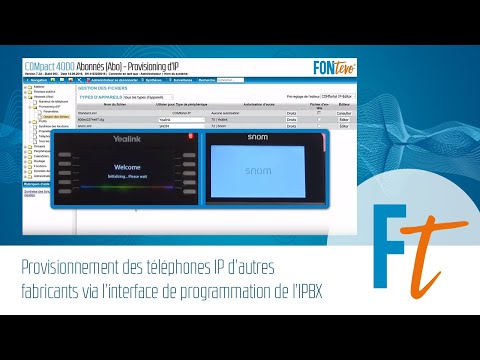
Provisionnement des téléphones IP d’autres fabricants via l’interface de programmation de l’IPBX

Bienvenue dans notre nouveau TUTO. Aujourd’hui, nous vous montrons comment les téléphones IP d’autres fabricants comme,…

Provisionnement des téléphones COMfortel IP et la série D via l’interface de programmation de l’IPBX

Bienvenue dans notre nouveau TUTO. Aujourd’hui, nous vous montrons comment les téléphones IP COMfortel 1400IP, 2600IP,…

Configuration basique d'un COMpact 4000

Configuration basique d'un COMpact 4000